

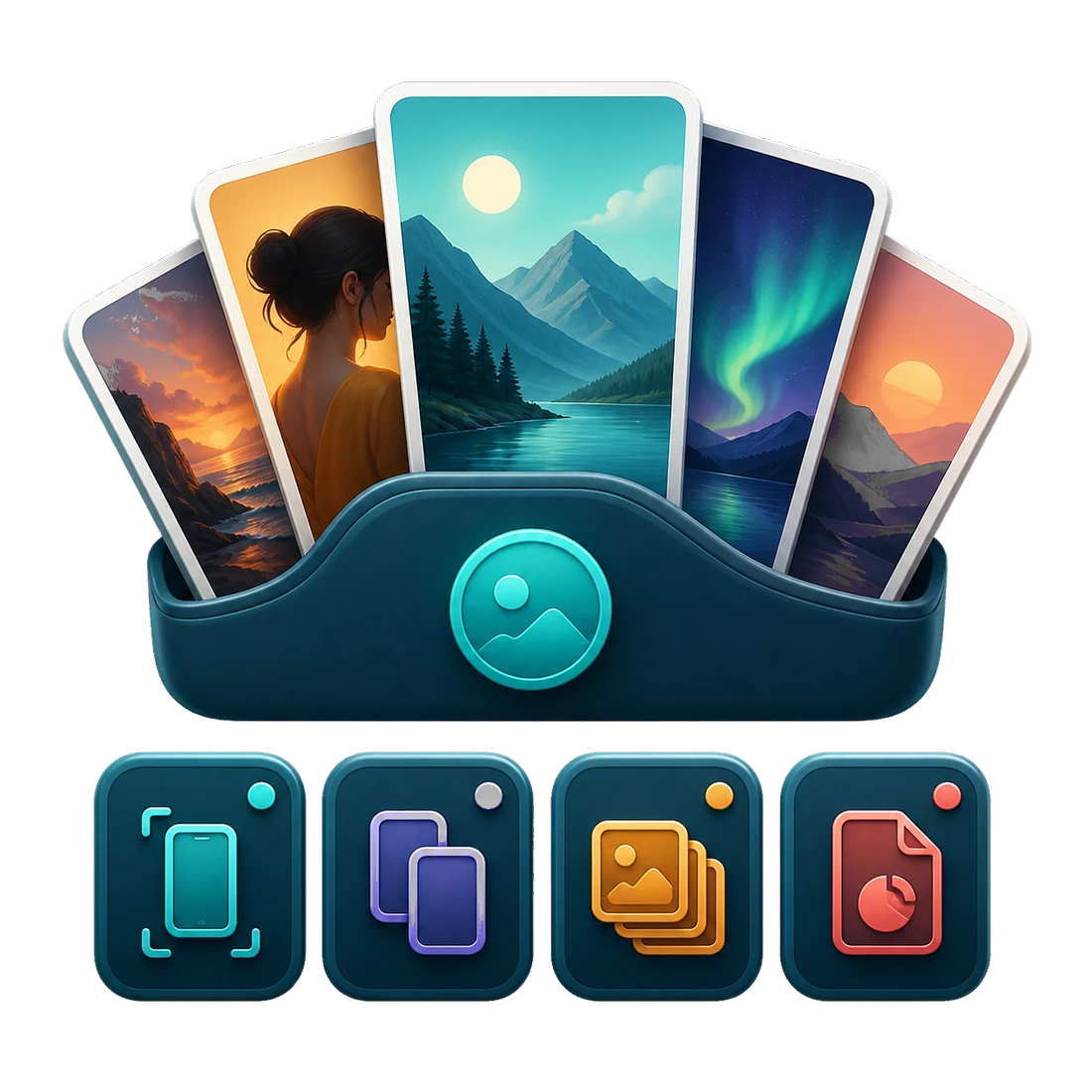
Review clearly
Review the photos and videos you allow DearRoll to access, one selection at a time.
Vareldan Studio DearRoll
Android app · Available on Google Play
DearRoll helps you sort through your photo gallery on Android step by step. You decide what stays, what goes to trash and which exact duplicates you no longer need.
Free to install. DearRoll Pro is available as an optional one-time purchase.
DearRoll at a glance
DearRoll sorts the media you allow it to access into clear sections, so you can review one selection at a time.
Review the photos and videos you allow DearRoll to access, one selection at a time.
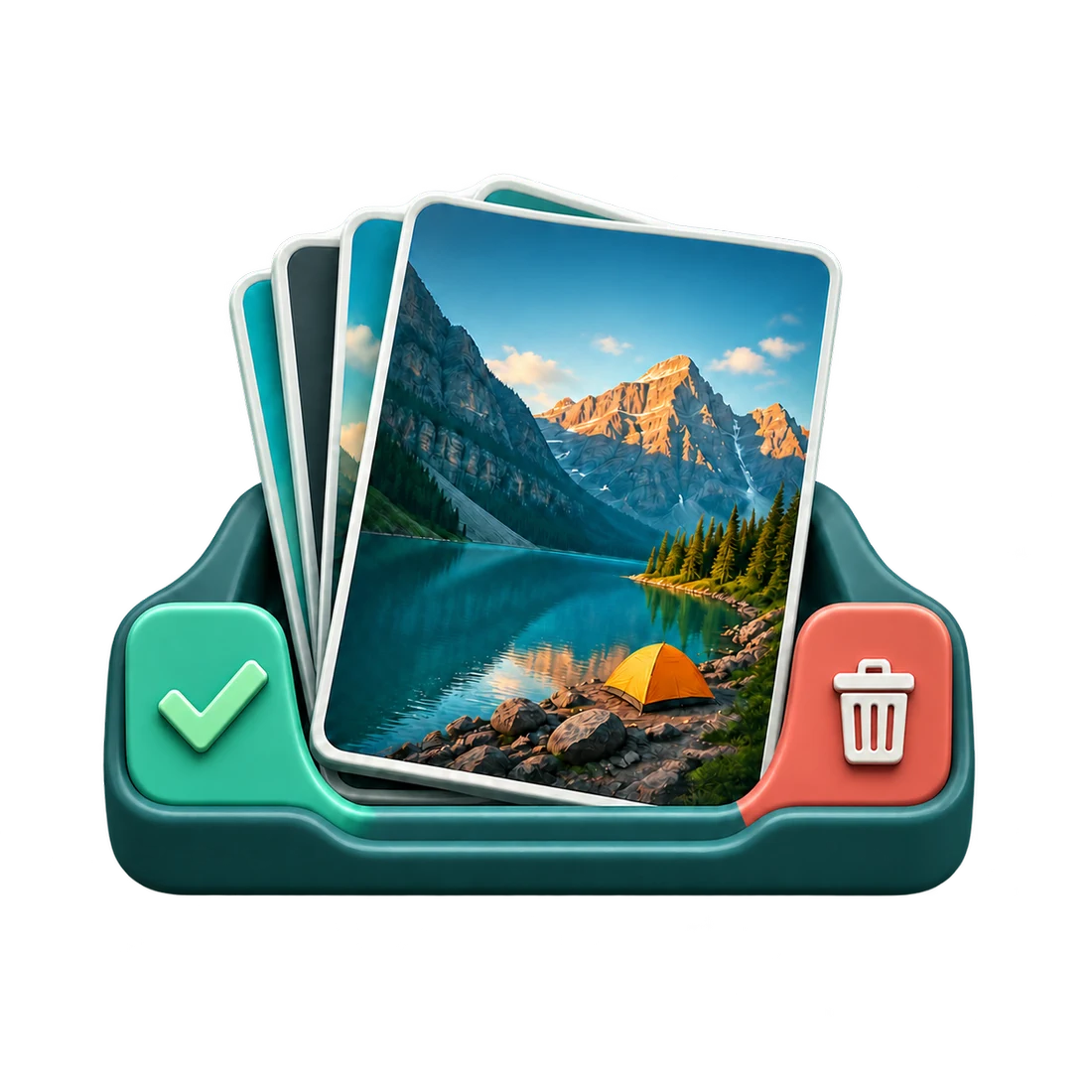
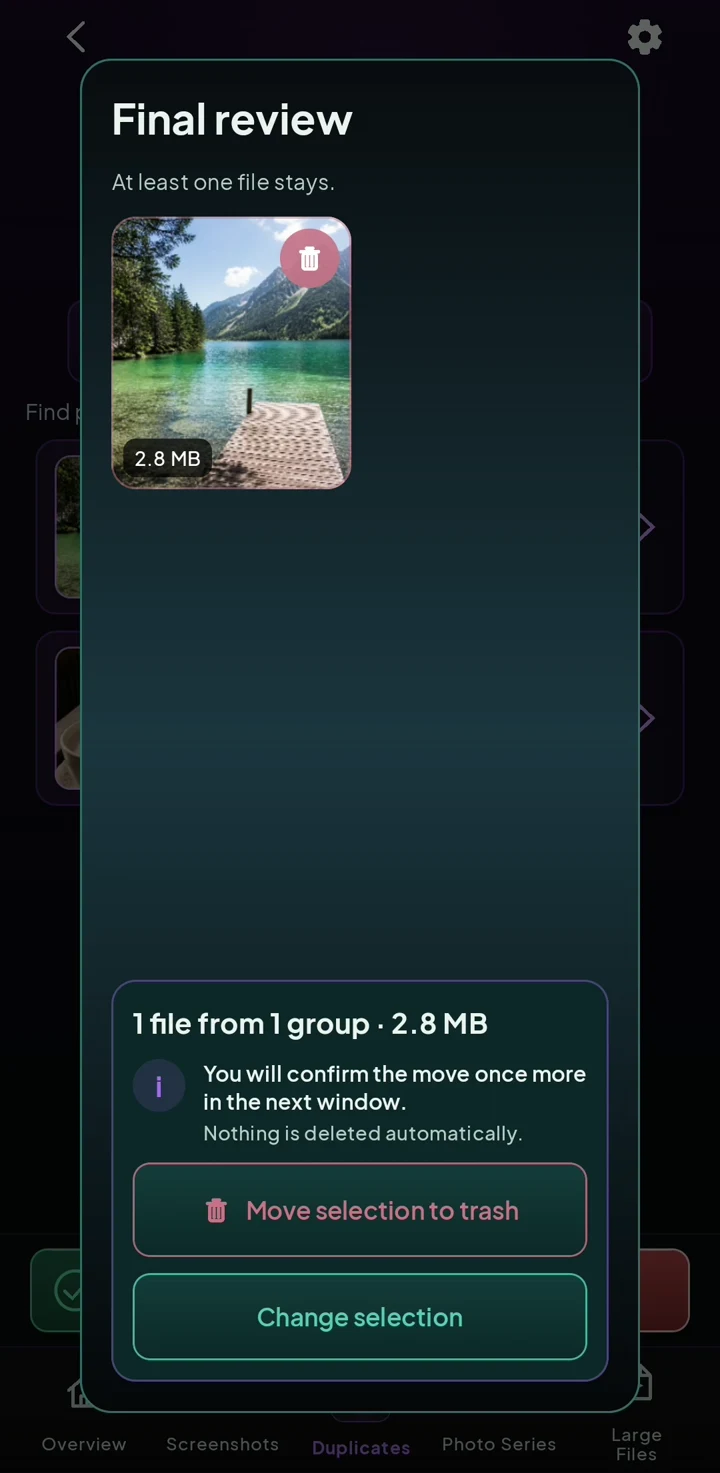
You choose what stays and what can go. Nothing is deleted automatically.
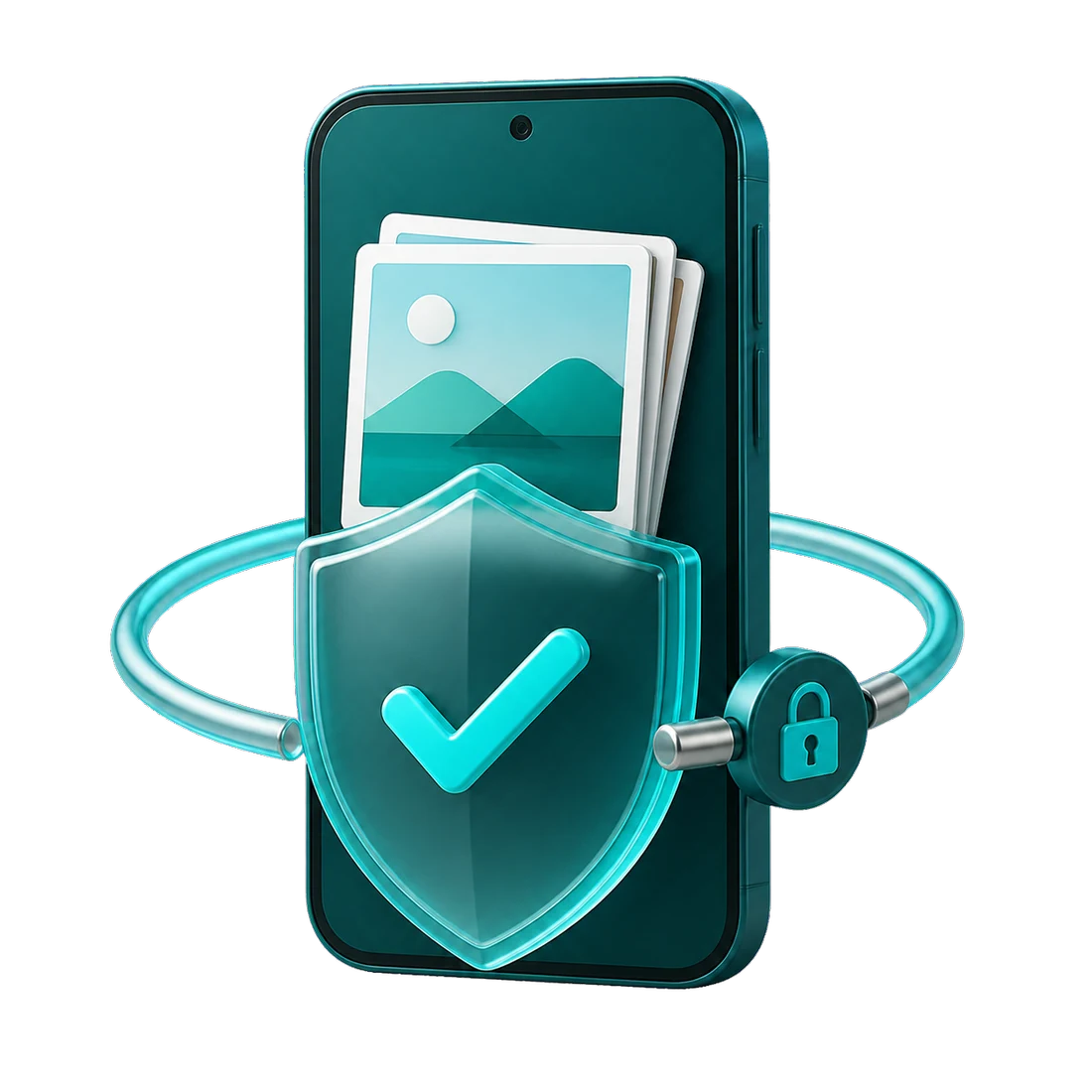
Processing stays on your device. You do not need an account.
Try DearRoll’s swipe gesture
Try the gesture with five sample images.
Swipe left to keep. Swipe right to select for trash.
Buttons and arrow keys work too.
This demo uses sample images. Nothing is deleted or saved. It does not cover every app feature or limit of the free version.
Image 1 of 5
The image could not be loaded. Your choices have not changed.
That was a demo. In DearRoll, you review your selection before Android asks for confirmation.
Try DearRoll on your phoneThe video could not be played. Open video directly
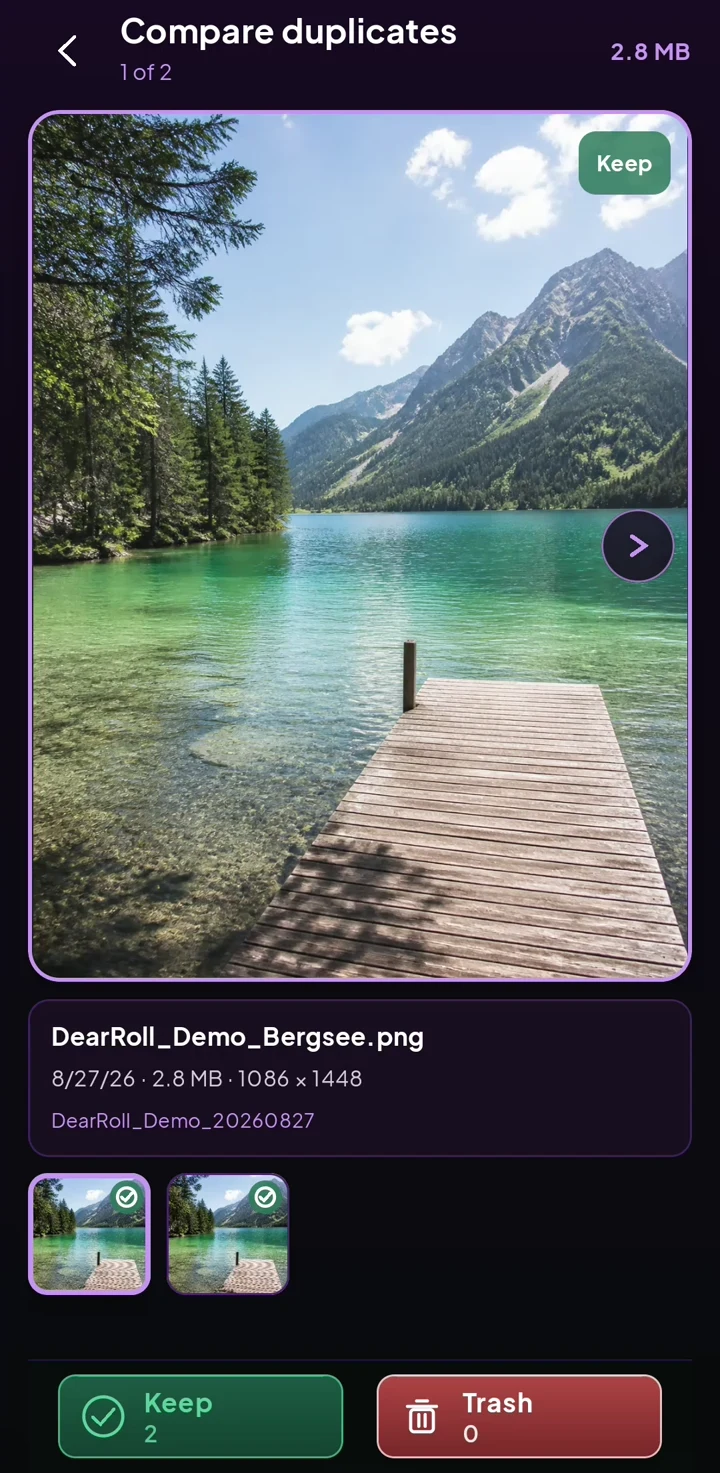
Exact duplicates
DearRoll groups files that are exactly the same.
Compare the files and select one for trash.
Check your selection before Android asks for confirmation. The video ends before that step.
Sample files only. Nothing is moved or deleted. Storage figures refer to the files shown.
Control and privacy
DearRoll processes the media you allow it to access locally on your device, does not show ads, and does not require a user account. The privacy policy explains in full which data is processed for technical reasons.
Common questions
DearRoll groups the photos and videos you allow it to access into clear sections. You review them step by step, mark your choices and check the selection again before Android confirms moving anything to trash.
No. You decide which files to select for trash, and you can review the selection before Android asks for confirmation.
DearRoll groups files that are exactly the same. It does not describe similar shots or blurry images as automatic duplicates.
No. DearRoll processes the media you allow it to access locally on your Android device and does not require an account.
DearRoll is free to install from Google Play and includes a free level of use. DearRoll Pro is an optional one-time purchase that expands access to your existing media library.