Make the week clear
Plan dishes, servings, leftovers, eating out and free days — then adjust everything when plans change.

Now on Google Play
Plan dishes for the week and turn them into a clear grocery list. Start personally without an account, connect your household or let guests vote through a private link.
For Android 8.0 or newer · Free download · Optional in-app purchases
Everything in one place
From the first idea to the last item in your cart, your plan stays clear and easy to adjust.
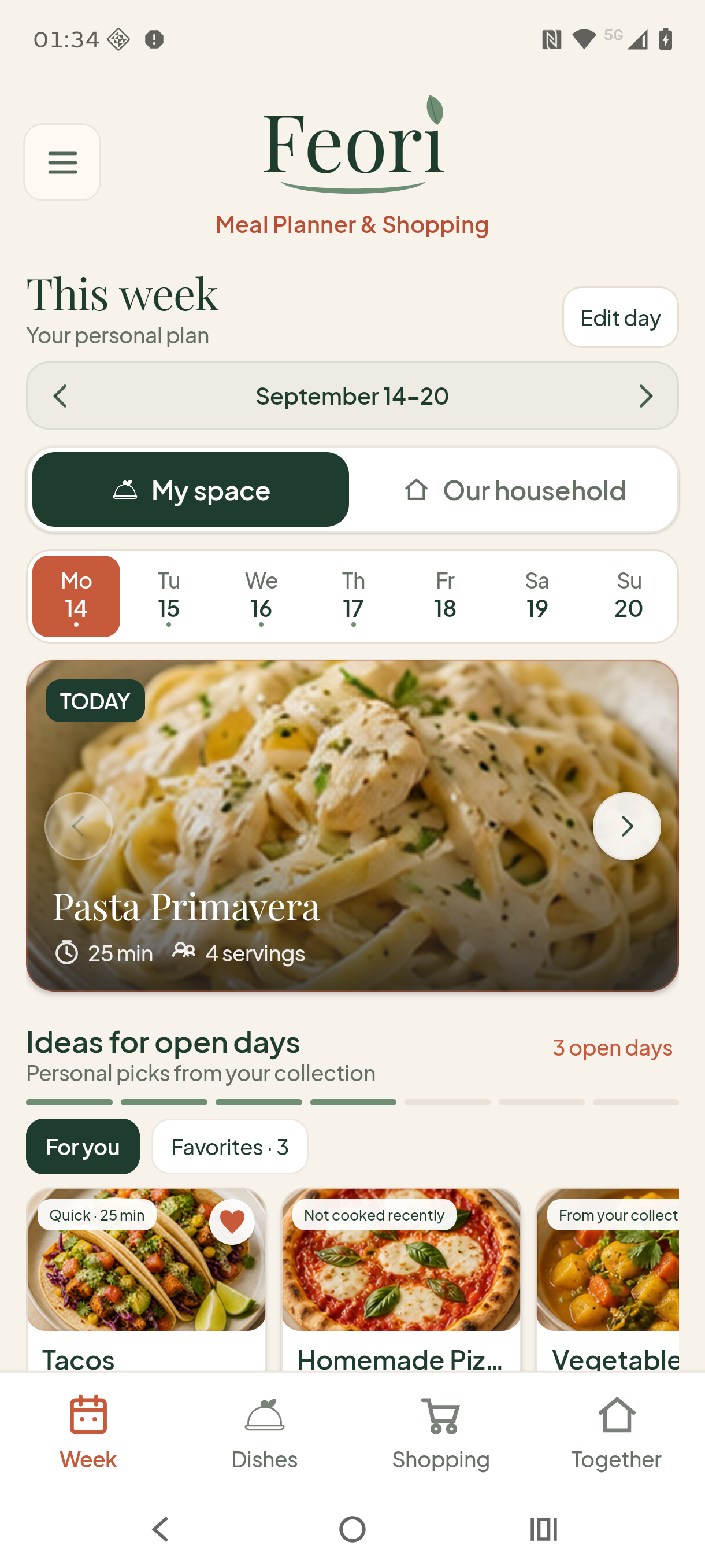
Plan dishes, servings, leftovers, eating out and free days — then adjust everything when plans change.

Feori combines ingredients, sorts them into useful categories and shows what still needs to be bought.

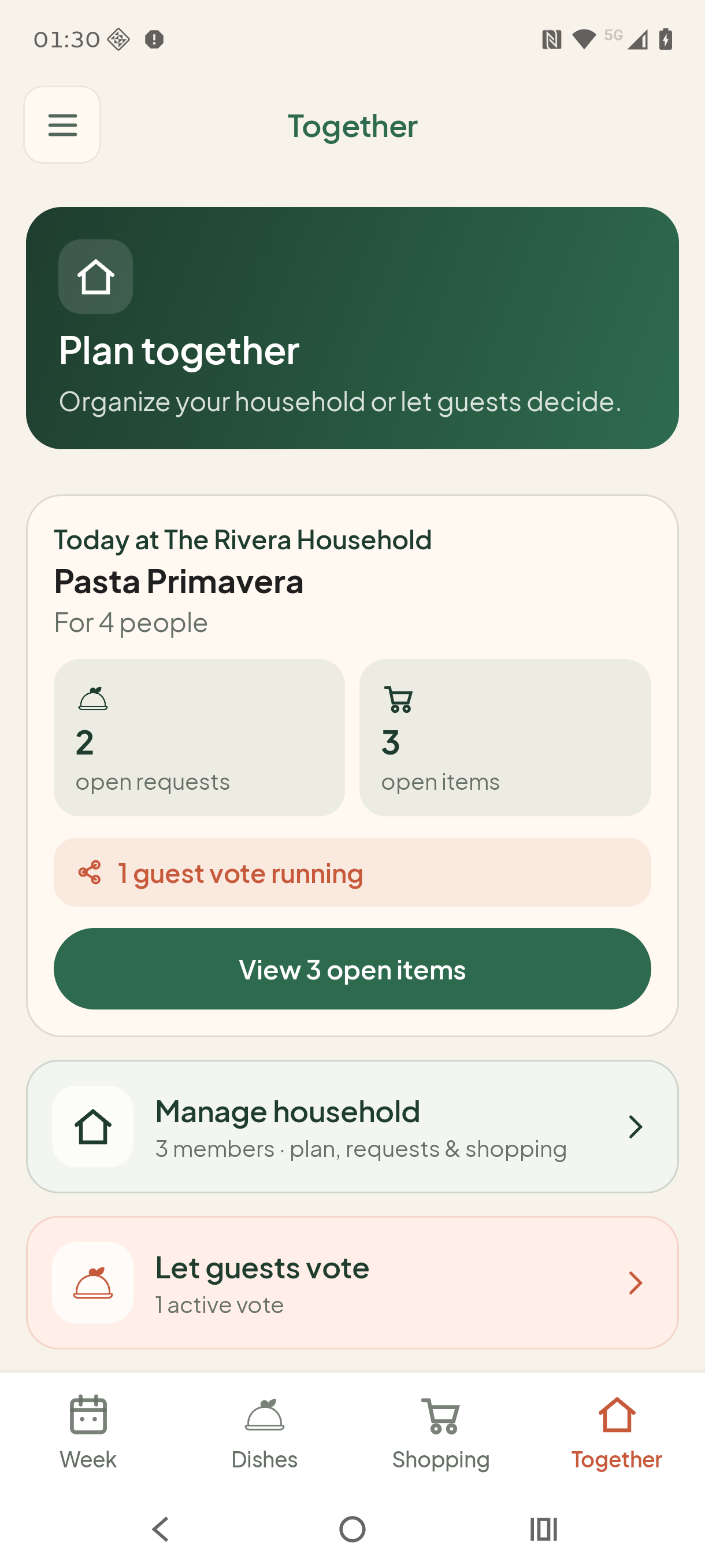
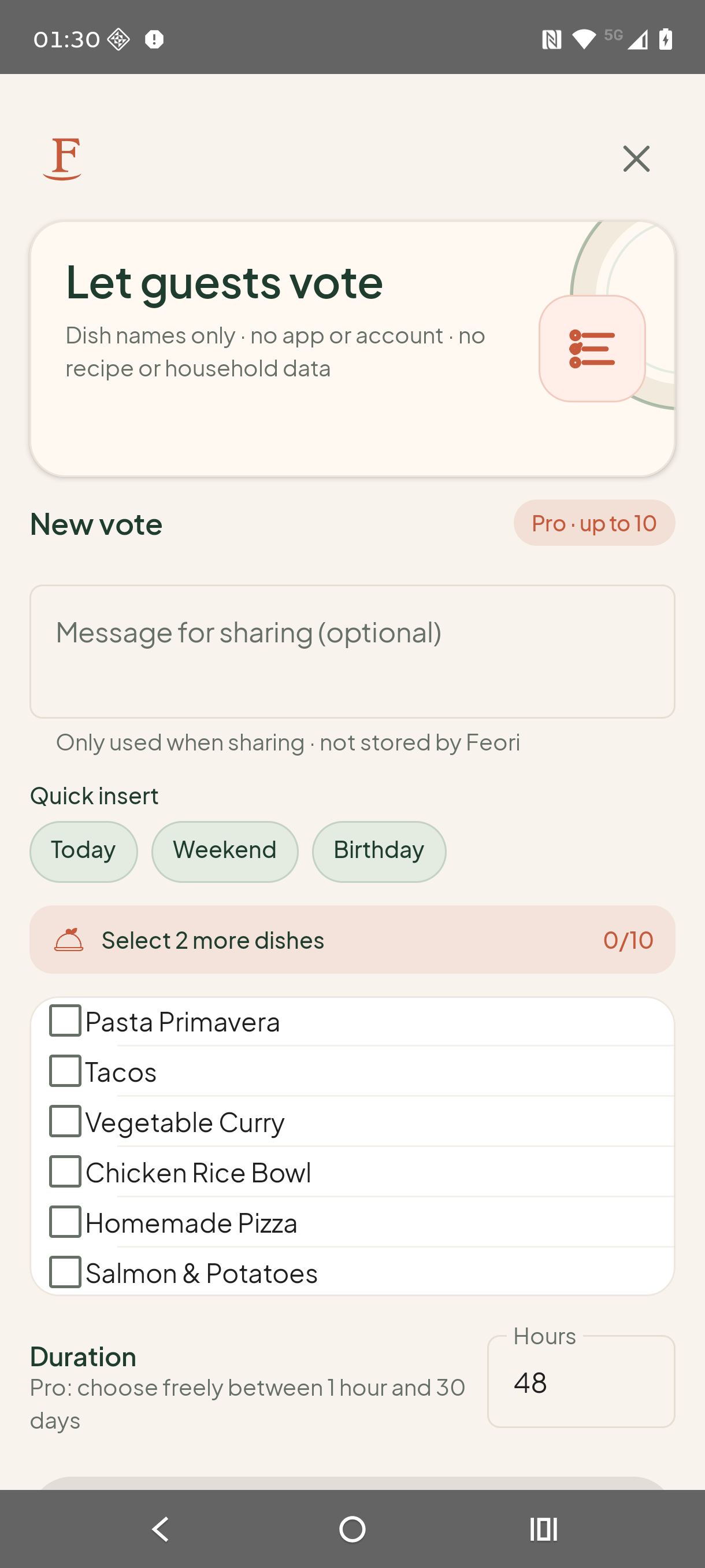
Collect meal requests in your household or share a private link so guests can vote in their browser.
Planning for real life
Choose dishes from your collection, adjust servings and plan each day the way it actually looks.
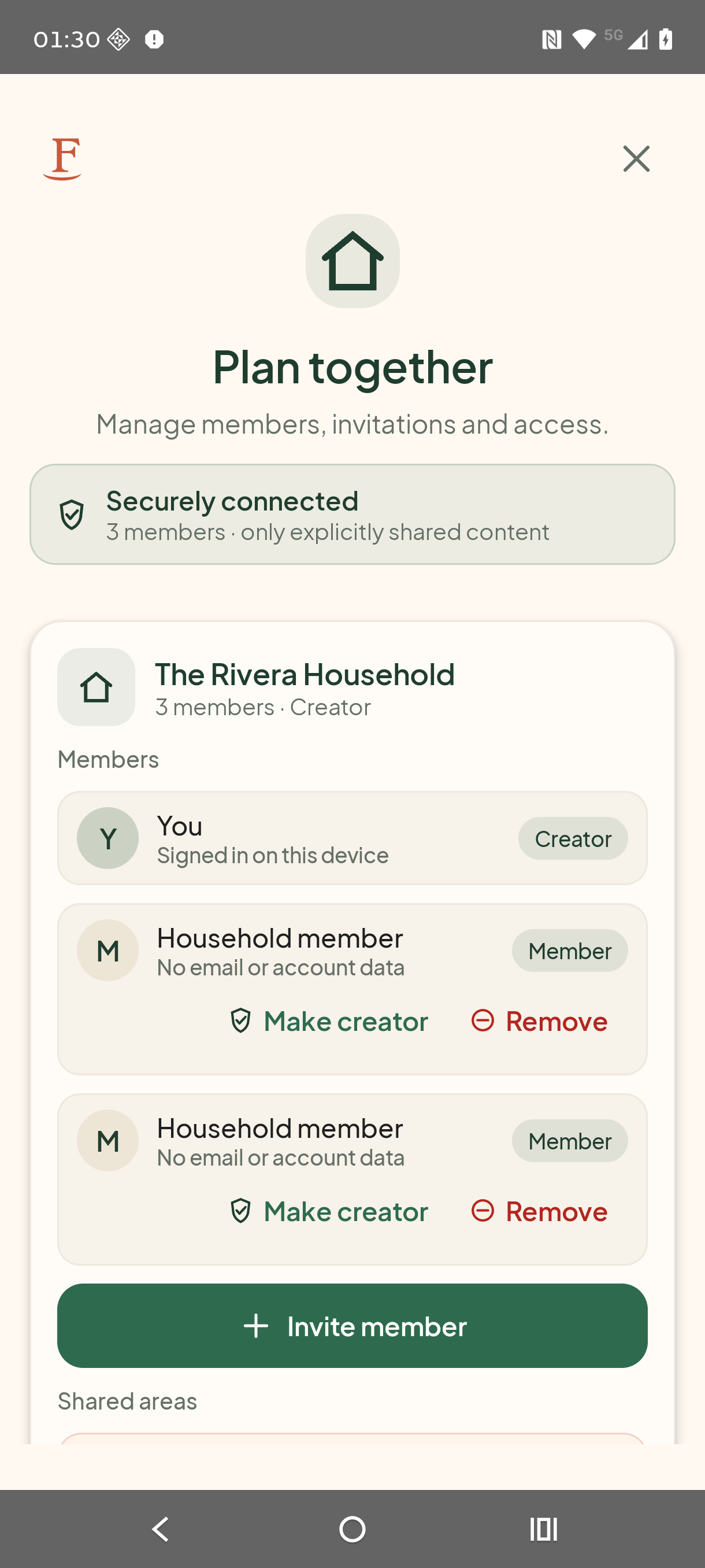
One household, one shared view
Invite household members to a shared weekly plan and shopping list. Everyone can add ideas, vote and check off purchased items.
Only the dish names you select are included in the vote.
Add an optional personal message and choose the app you want to share it with.
Guests open the link in their browser — without Feori or an account.
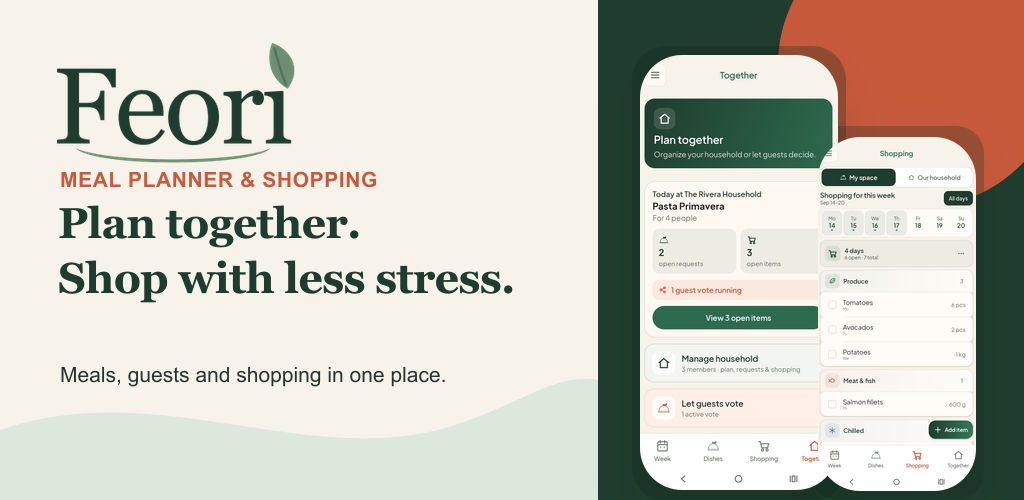
No app. No account. No awkward group chat.
Select dishes, add an optional personal message and share the private Feori link. Guests see only the dish names you selected and can vote immediately in their browser.
Recipes, ingredients, images and household data are not included in a guest vote. Your optional message is passed only to the sharing app and is not stored by Feori.
Free & Pro
Feori’s personal core features work locally without an account. Pro adds the features you need when planning with others.
Free
Feori Pro
The 14-day Pro trial starts only after deliberate activation and does not trigger a payment.
Feori Pro: €2.99 per month in Germany (including VAT, cancel monthly). The price that applies to your Google Play account is shown in the app before purchase.
Good to know
What you need to know about meal planning, grocery lists and shared features.
Save your dishes and add them to the days you choose. You can adjust the number of servings and plan for leftovers, meals out or days off.
Yes. Feori adds ingredients from your planned dishes, combines matching amounts and sorts the items by category. You can add your own items too.
Yes. With Feori Pro, you can set up a shared household. Members can see the plan and check off items on the shared grocery list.
Not for your own weekly plan, dishes, images or grocery list. This information stays on your device. Sign in to create guest polls or use a shared household.
Yes. Share a private link and guests can vote in their browser without Feori or an account. Only the dish names you selected are shared in the link.
You can use the weekly plan, dishes and grocery list for free without an account. Once signed in, you can run one active guest poll with two or three dishes for 48 hours. A shared household and additional polls require Feori Pro.
Sharing should be a clear choice
Feori’s personal core features work without an account. In personal mode, your weekly plan, dishes, images and shopping list stay on your device.
Sign in to create a guest poll or plan together in a shared household. Guests do not need Feori or an account, and the Android app uses no advertising or analytics SDK.
Feori for Android
Plan personally, share with your household and let guests vote without installing the app.